
Velix ID
Your unique account name gives people a way to reach you while keeping your personal contact details separate.

Talk with someone you choose. Velixnet brings end-to-end encrypted chats and photo sharing to Android, with a Velix ID as your contact name.
Currently being tested with a small group. You can request an invitation to the upcoming Google Play test; there is no fixed public release date.
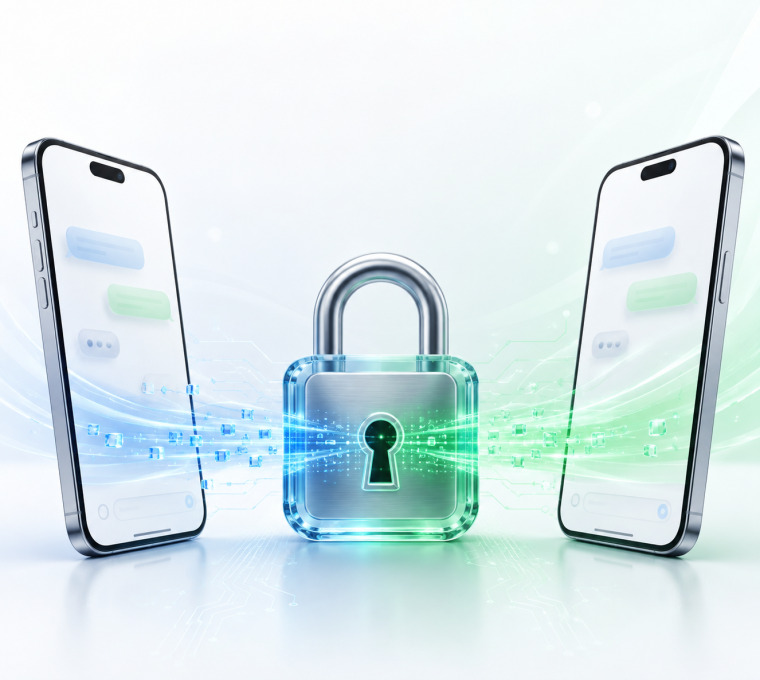
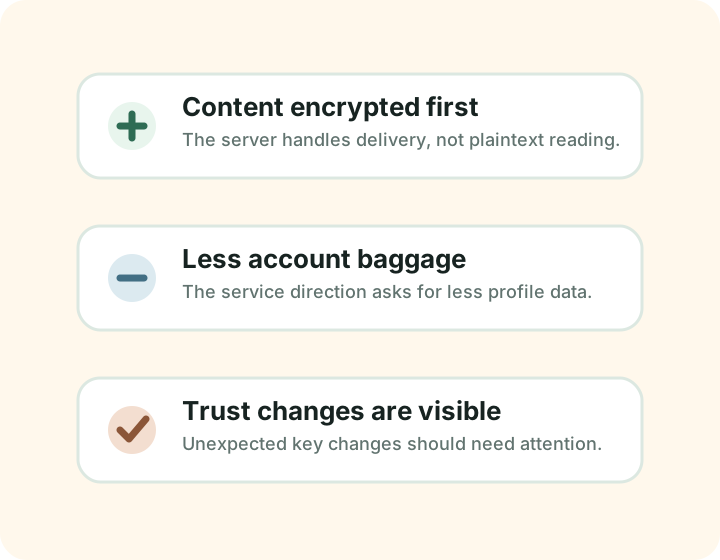
A few deliberate choices shape how Velixnet works.
Your unique account name gives people a way to reach you while keeping your personal contact details separate.

Modern encryption libraries protect message content. The technical notes explain how they are used and what still needs verification.

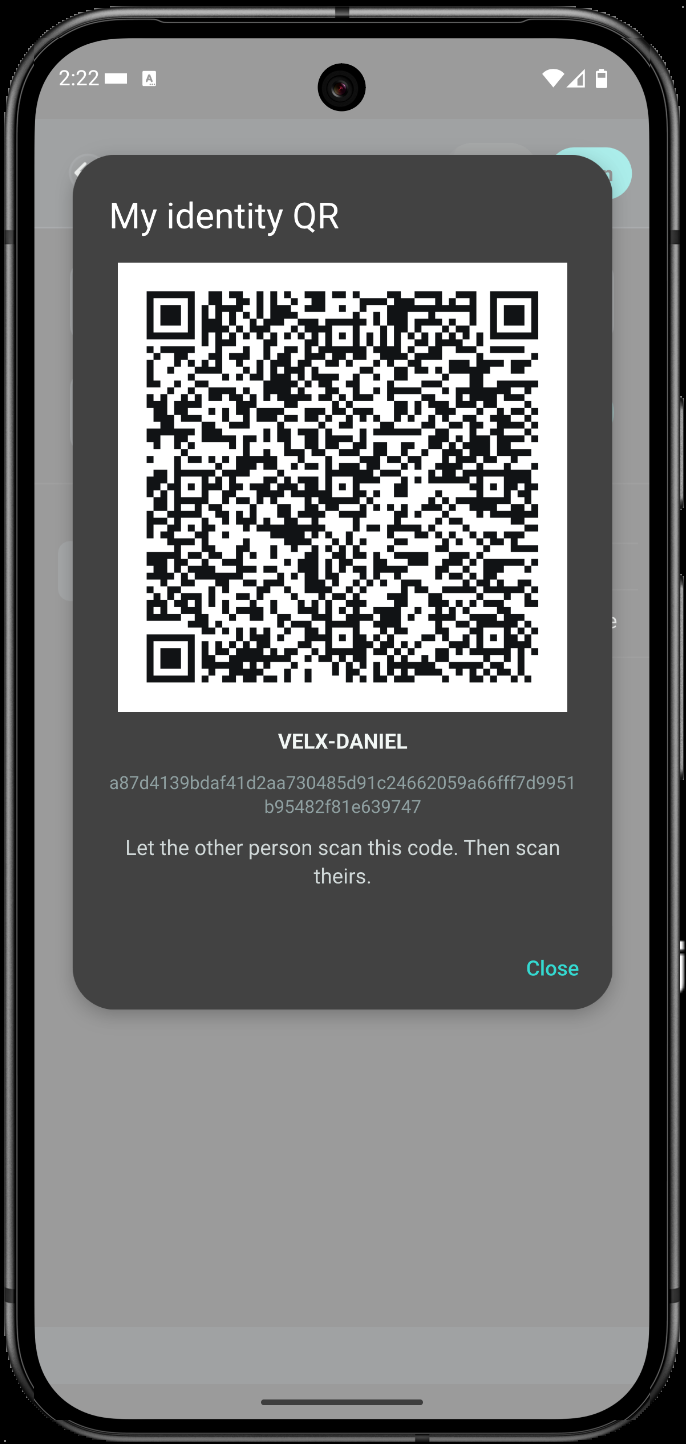
When you meet in person, scan a QR code to check that you are connecting with the intended person's device.

No public feeds, follower counts or recommendation algorithms. Open the app to talk with someone you know.
Once you and your contact have the app, getting started is straightforward.
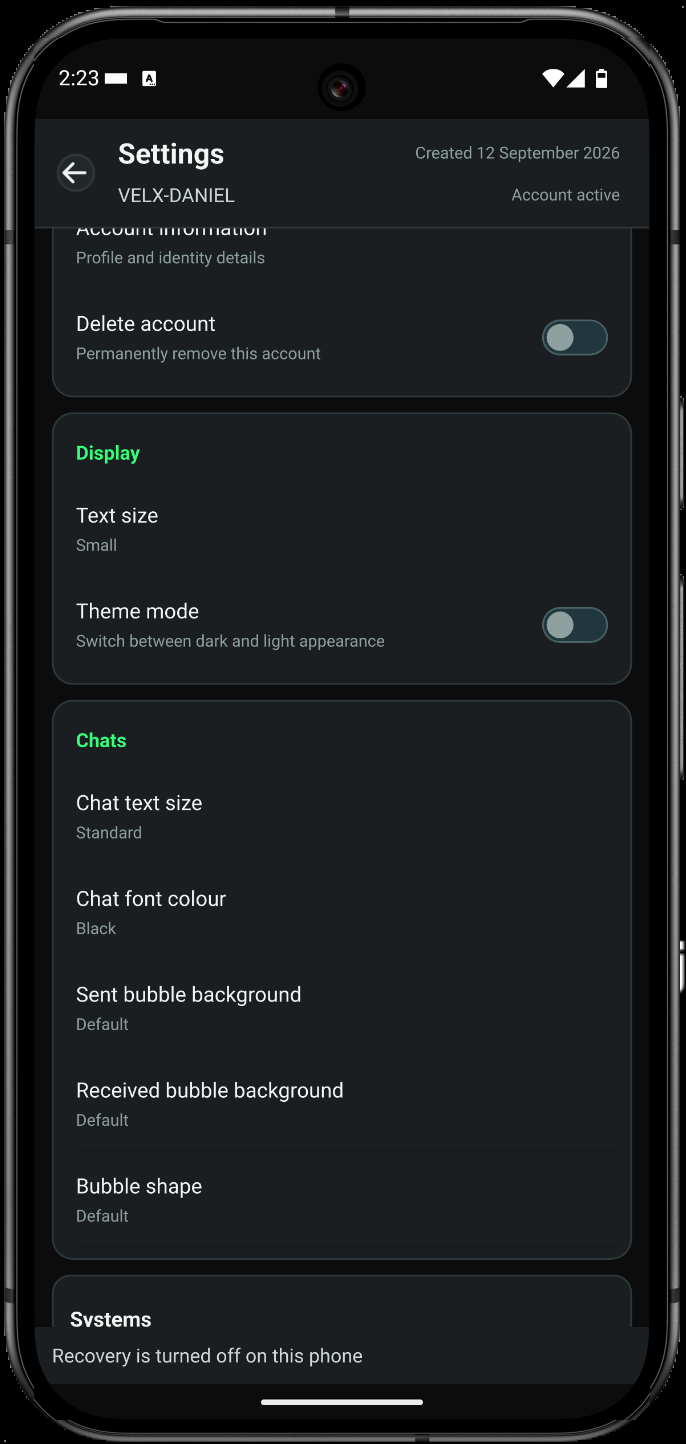
Explore some of the screens from the current app. Tap a screenshot to open the full-size image in a new tab. Swipe or scroll sideways to see more.
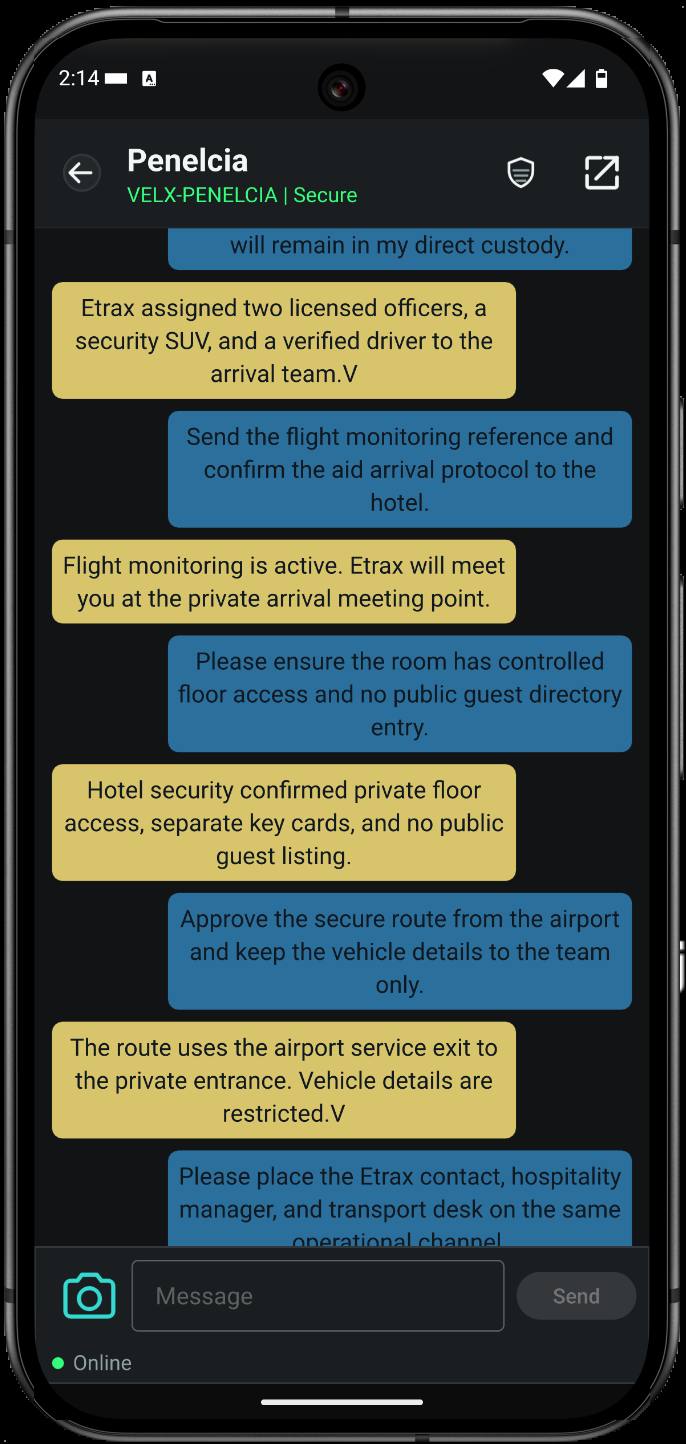
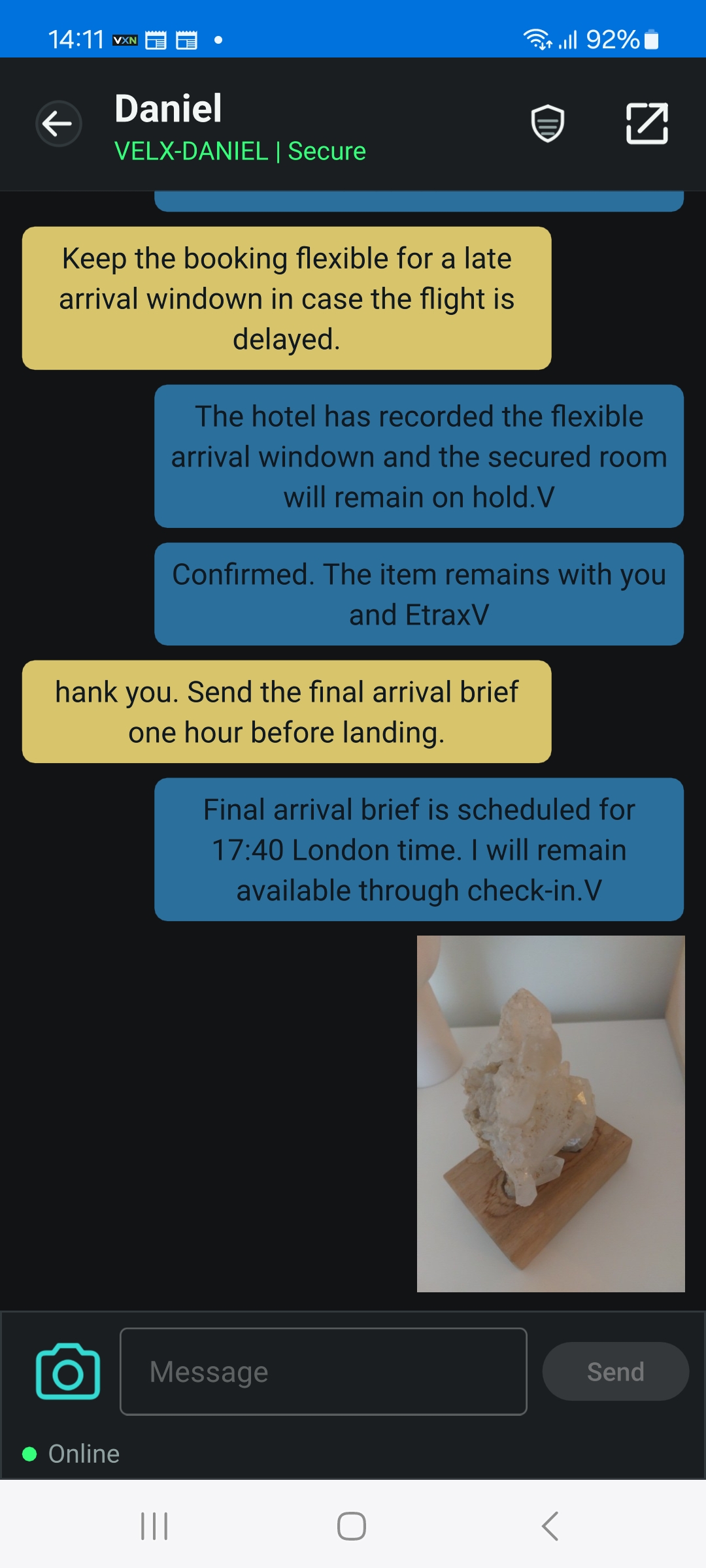
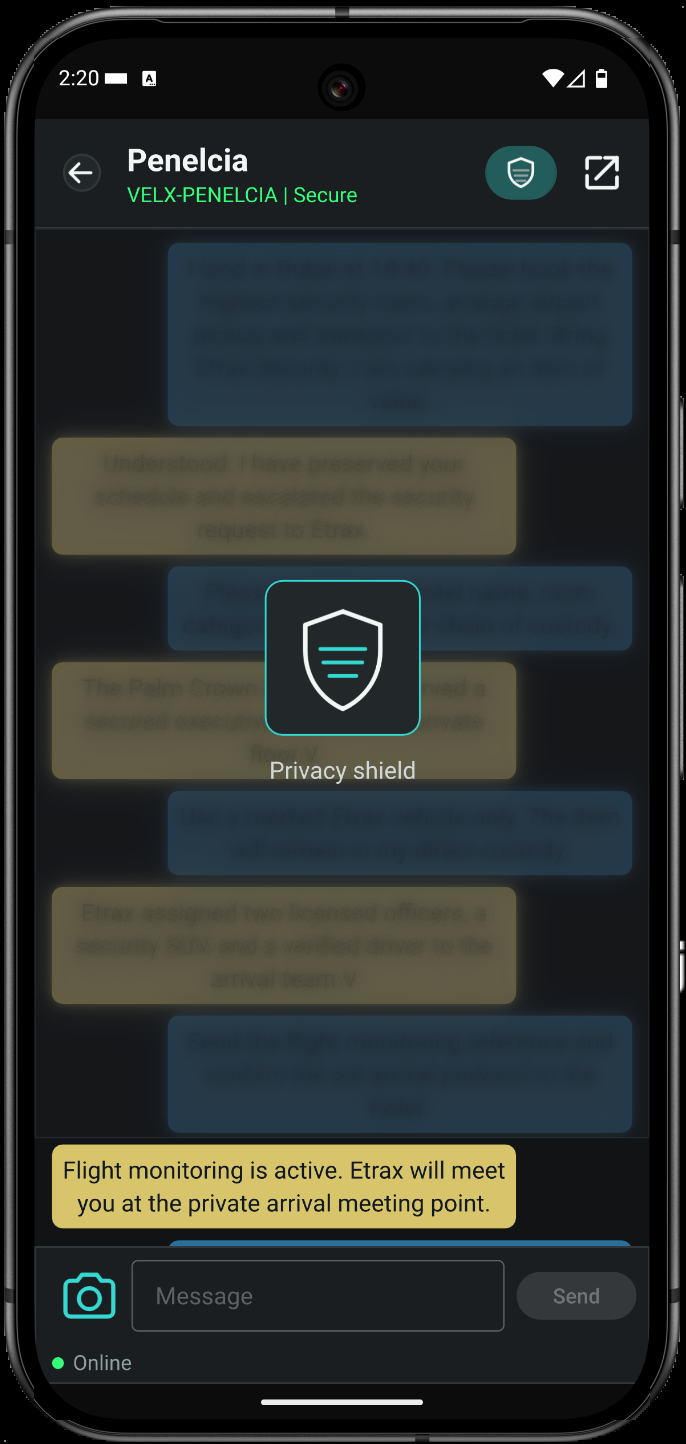
A little curiosity. A real conversation. Help us make VXN better.
Help improve VXN through real conversations. You do not need to be a tech expert; we ask you to try the app regularly for 14 days once you begin testing.
The upcoming test is for Android through Google Play. Your saved Velix ID carries through testing and public release. App access requires a separate invitation.
You and your contact both need access to VXN. If you would like to test together, you can each request an invitation.
Create your Velix ID, exchange messages with another tester, and post basic feedback in the tester forum. Tell me what feels clear, what is confusing and what fails.
End-to-end encryption keeps readable message content on the devices at either end. Here is what happens along the way.
The delivery service handles the encrypted message. It still needs some information about the connection and delivery, such as who is communicating and when. This is called metadata; encryption does not make that information disappear.

Before joining the test, consider these practical limits.
Help test VXN on Android. You and your contact both need an invitation; a friend can request one too. Once you begin, try the app regularly for 14 days, exchange messages and post basic feedback in the tester forum.
You do not need to start on the day you sign up. You have 28 days from signup to begin participating: create a Velix ID, test messaging with another participant and post basic feedback in the tester forum. If you have not participated within those 28 days, your tester signup record, including your email address, will be deleted without further notice. Your 14 days of testing begin when you start using the app.
If a test link does not work, check that Google Play uses your invited email. To use a different email, reply to your invitation so we can add it. For help, email vxn@velixnet.com. Do not send passwords or sensitive information.
Why I built Velixnet / VXN.
I publish as Krughan Henderson. A Daniel Hirsch youtube video about a Caesar cipher sparked the experiment that grew into VXN. That was a learning exercise. The app now uses established encryption libraries.
My friends and I have shaped the app through everyday use. Wider testing is the next step, with an independent security review still to come.